
EkyComfort user guide
How to use EkyComfort
To use the EkyComfort sensor, you need to install the Ekynea app on your smartphone. The app is in French. Allow about ten minutes.


The Ekynea app
Download and install the mobile app for free
From the App Store or Google Play.

Create your user account
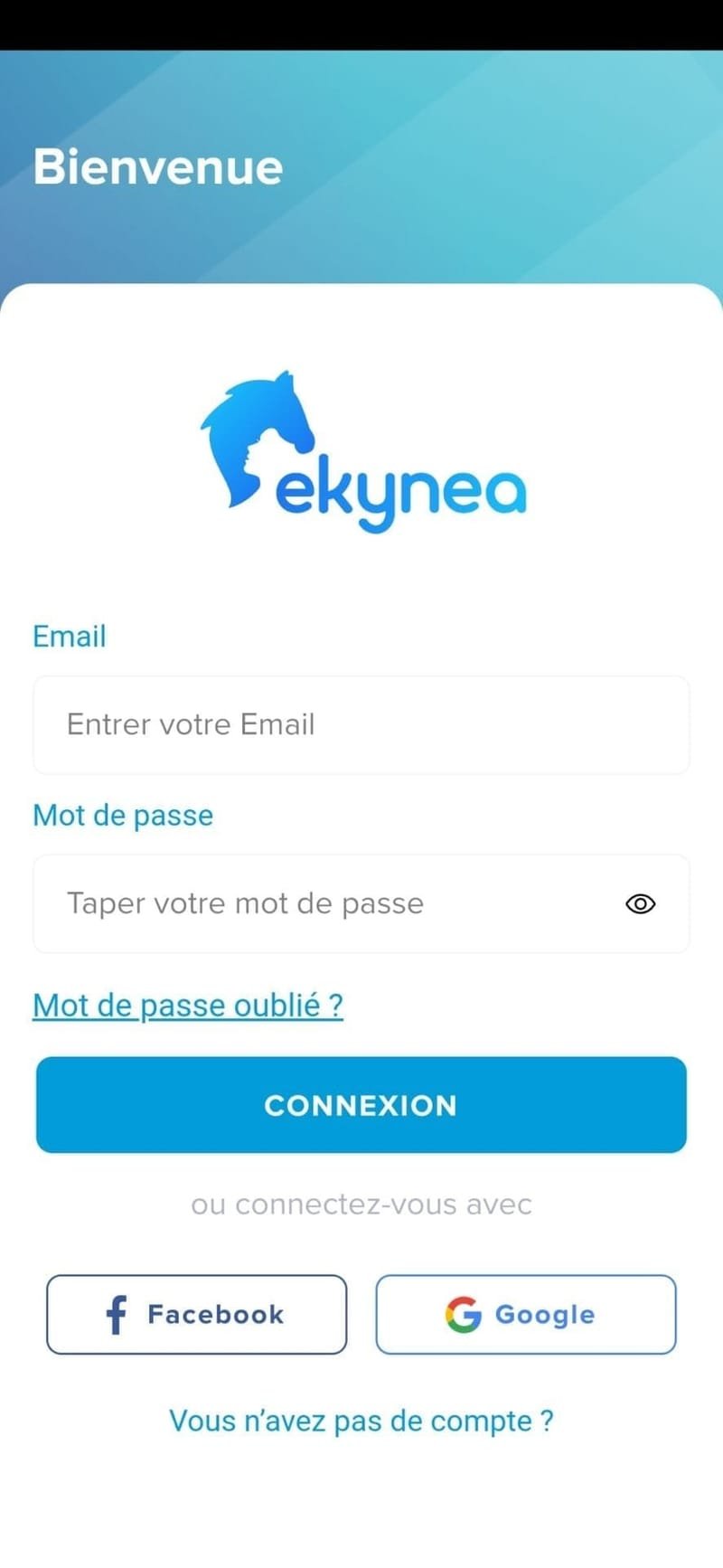
Touch “Vous n’avez pas de compte” (Don’t have an account) at the bottom of the home screen of the Ekynea app. Then enter your email address, choose a password, tick “Accepter les CGU” (Accept the terms of use) and confirm by touching the “Inscription” (Sign up) button. Perfect, your Ekynea account is created! 🎉

Complete your profile
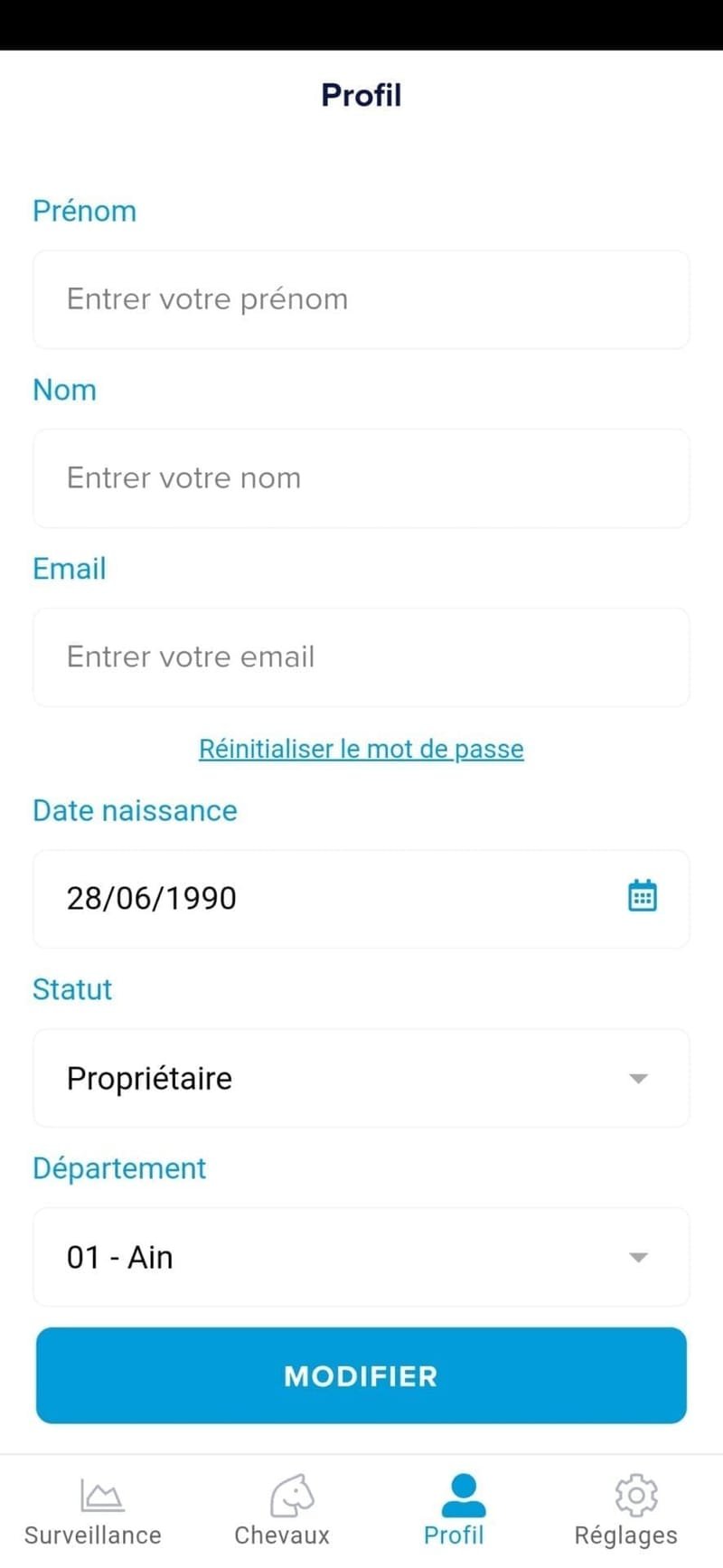
Fill in your profile in the app: it is used for all your alerts.
Create your horse’s profile
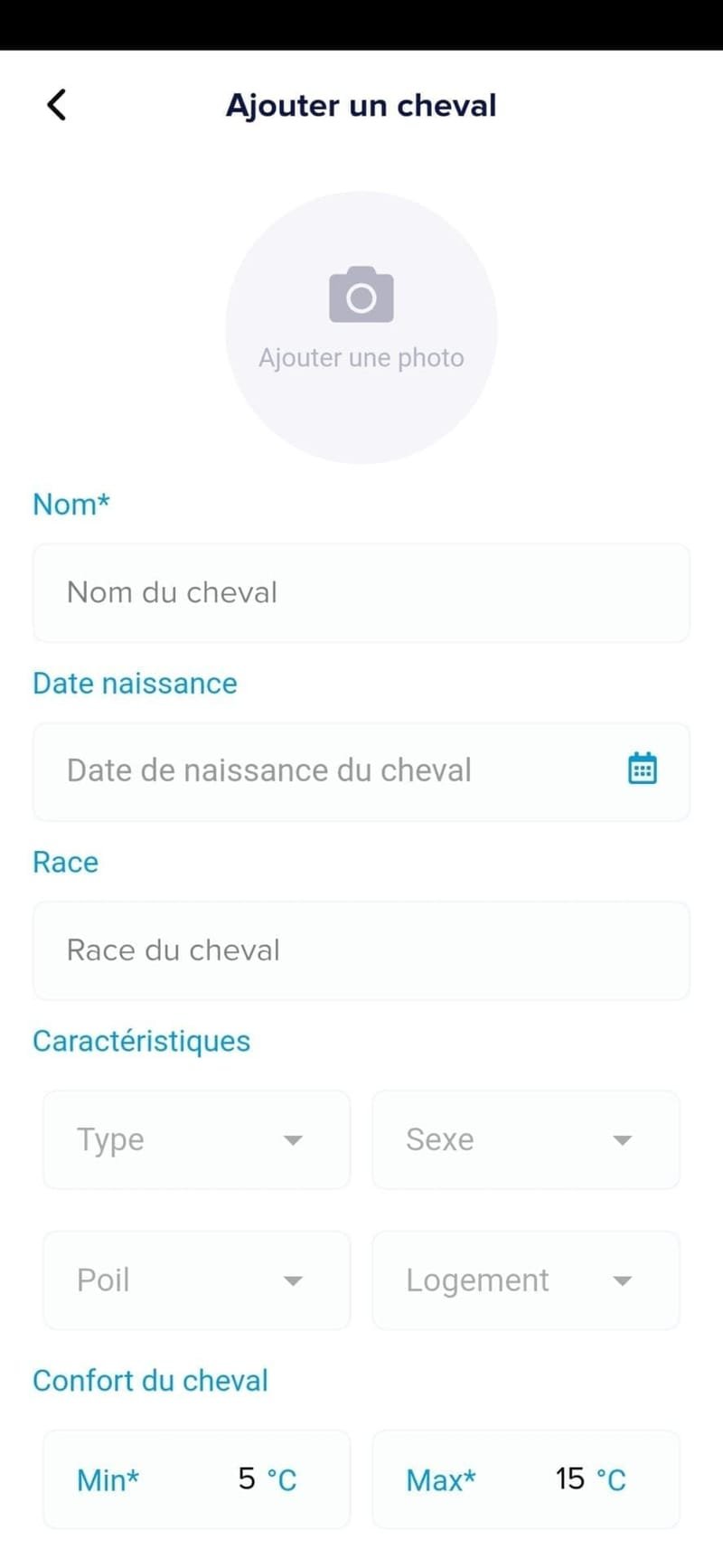
Fill in the fields and, in particular, choose your horse’s thermal comfort threshold in the “Confort du cheval” (Horse comfort) section.
Pair your EkyComfort sensor with your horse
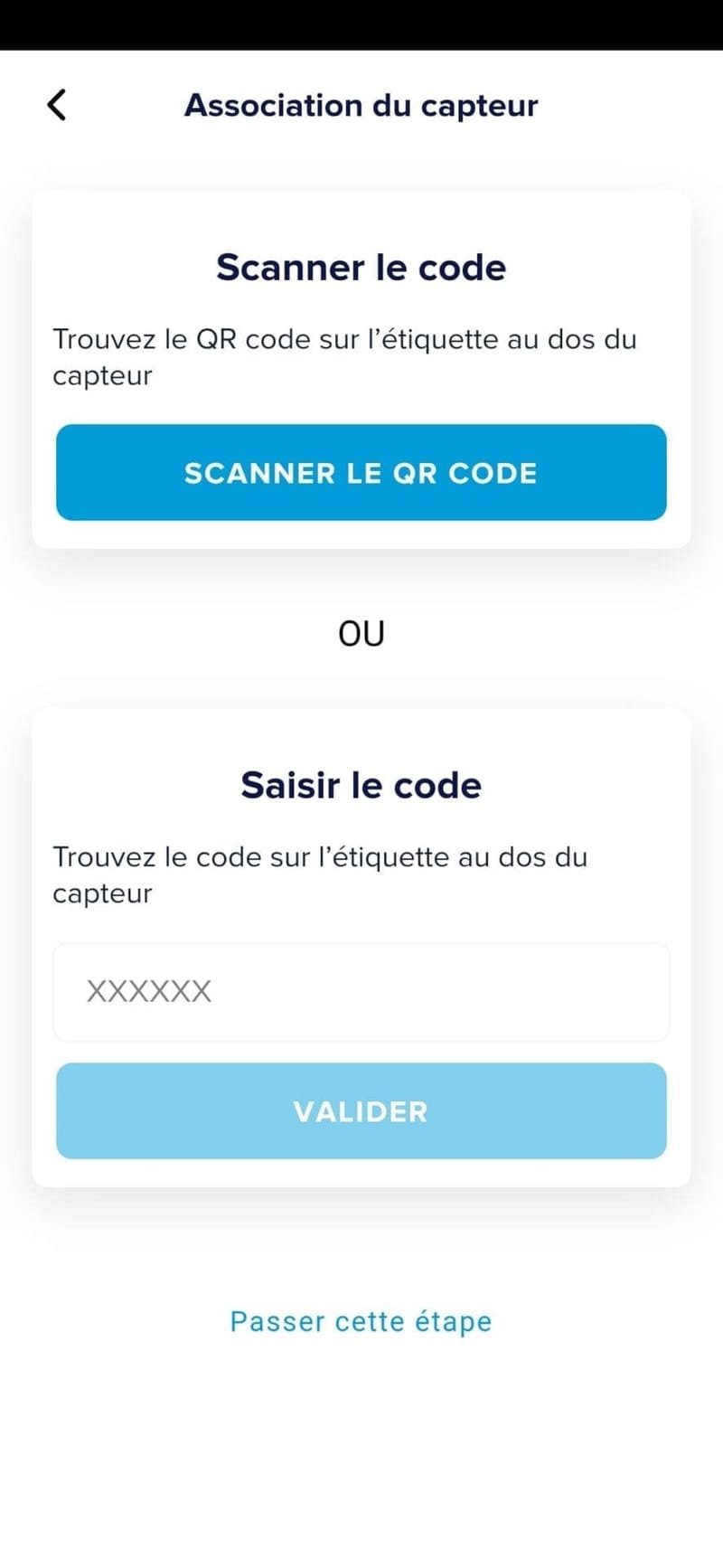
On the “Surveillance” (Monitoring) page, touch the sensor icon under your horse’s name. You can then either scan the QR code on the back of your EkyComfort sensor, or enter the string of numbers and letters on the “ID” line, also on the back of the sensor.

Choose how you are alerted: email and/or notification on your smartphone
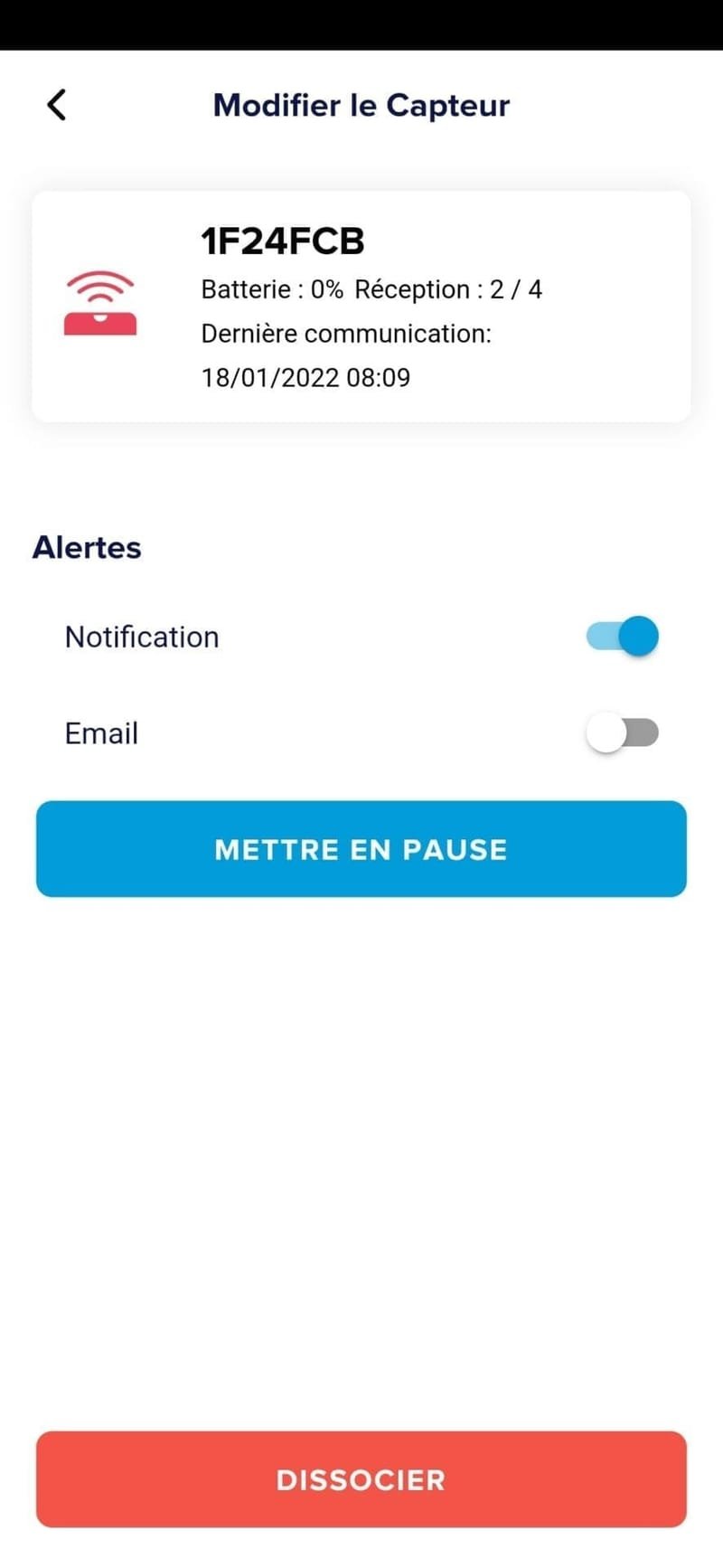
Touch “Réglages” (Settings) in the bottom menu. You can then choose to be alerted when the thermal comfort zone you chose is exceeded.


Quick guide to the button and the LED
Summary of the button actions and LED states.
Button actions
| Short press | Activate the sensor or wake it from standby. Wait a few seconds if the device is busy. |
|---|---|
| Long press, 5 to 7 seconds | Deactivate the sensor and put it on standby (energy saving). Ideal for storage and transport. |
| Extended press, more than 7 seconds | ⚠️ Do not do this, reserved for technical support: risk of malfunction. |
LED states
| State | LED | What is happening |
|---|---|---|
| Armed, active |  | Measuring and sending data. |
| On standby |  | Measuring stopped, energy saving. |
| Fault, busy | Red LED after a short press | Wait a few seconds before the next command. |
Low battery: the app sends an alert to your smartphone. Contact us to replace the battery. Use standby mode for storage to preserve the battery.
Do not open the sensor. The case has a plastic strip that keeps it waterproof and protects it from dust: it is an essential part of the device. Removing it, like any opening or attempt to open the case, damages the product and immediately and permanently ends the contractual warranty. If you have a problem, contact support.
Where and how to attach the EkyComfort sensor?
Under your horse’s rug
- Place the fabric pouch inside the rug, at the spot shown on the diagram, on the side opposite the one your horse usually lies on, with the flap facing up. Make sure it is flat and free of creases. Recommended area: on the flank, slightly in front of and below the point of the hip.
- Anatomical location: find the point of the hip (tuber coxae), the most prominent bony point of the flank. The sensor goes a little in front of and slightly below this point, in the middle of the flank, where the muscle is supple and the rug stays stable: between the last rib and the hip, above the belly line, where the skin is flat, with no bony prominence or fold.
- With strong thread, sew the two vertical sides of the pouch, as shown by the red lines on the diagram. Leave the top open to slide the sensor in and out, and reinforce the ends of the seams with a few stitches. A special fabric glue also works, but holds for less time.
- Check: slide the sensor in to check that it fits and that the flap covers it well, with no extra thickness or discomfort for the horse.


In the stable or in the transport vehicle
With its wall bracket, install the EkyComfort sensor on a wall of your horse’s stable, either fixed with one or two screws or cable ties, or placed on a metal wall with a self-adhesive neodymium magnet. Screws, cable ties and magnet are not supplied. Always place the sensor out of your horse’s reach!

Need help?
Read the frequently asked questions or contact Ekynea technical support.